
Disclosure: WorkWise is reader-supported. When you buy through links on our site, we may earn an affiliate commission at no extra cost to you. Learn more.
Posture problems in remote workers are almost always environmental — the wrong setup forces the wrong posture, and your body adapts in ways that hurt months later. Here are the 10 most common mistakes we see, and the specific fix for each.
1. Working on a laptop screen at desk level
The mistake: Laptop sits on the desk. Your head tilts down 30-45° to see it. Over 8 hours, this is equivalent to holding a 5-pound weight at the end of your spine for the whole day.
The fix: Get a laptop stand (see our laptop stands guide) and add an external keyboard and mouse. The screen comes up to eye level; hands stay at the right position.
2. Monitor too low
The mistake: Even with an external monitor, many people leave it on the included stand — which is usually 4-6 inches too low for proper eye level.
The fix: The top of the screen should be at or just below your eye line. Either raise the monitor on a stand, books, or — best — a monitor arm. See our monitor guide.
3. Chair too low
The mistake: Hips below knees when seated. The pelvis tucks under, the lower back rounds, and the lumbar spine gradually loses its natural curve.
The fix: Raise the chair until your thighs slope slightly downward (knees lower than hips). If your feet now dangle, add a footrest.
4. Armrests too high or too wide
The mistake: Shoulders shrugged because armrests are too high. Or elbows flared out because armrests are too wide.
The fix: Adjust armrests so your shoulders drop naturally and your elbows fall straight down from them at a relaxed 90°. Both 3D and 4D armrests allow this; fixed armrests rarely fit anyone perfectly.
5. Crossing legs while sitting
The mistake: Crossing one leg over the other or curling a foot under your thigh. Tilts the pelvis, creates asymmetric spine loading.
The fix: Both feet flat. If your feet dangle, get a footrest. The urge to cross legs is usually a sign your chair height is wrong.
6. Head jutting forward toward the screen
The mistake: Leaning toward the monitor to read better. The head moves forward of the spine, multiplying the load on neck muscles by 5-10x.
The fix: If you're leaning to read, your screen is too far, your font is too small, or your eyes need a check-up. Bring the screen closer or increase text size; don't reach with your head.
7. Keyboard too high
The mistake: Keyboard on top of a high desk forces wrists to bend up. Causes wrist pain, eventually carpal-tunnel-style symptoms.
The fix: Wrists should be straight (in line with the forearm) when typing. If the desk is too high, use a keyboard tray that mounts under the desk surface.
8. Mouse too far away
The mistake: Mouse is to the right of a full-size keyboard, forcing the right shoulder to constantly reach 8-10 inches further than the left.
The fix: Use a tenkeyless keyboard (no number pad), or move the mouse to a position directly to the right of the letters. Reduces asymmetric shoulder load that causes "mouse shoulder."
9. Holding the phone between ear and shoulder
The mistake: Taking calls with the phone pinned by your shoulder while you keep typing. Catastrophic for the neck — concentrates muscle tension on one side.
The fix: Wired or wireless headset. Even AirPods. Never pin a phone with your shoulder.
10. Sitting still for 2+ hours straight
The mistake: Even with perfect posture, sustained stillness is bad. Muscles stiffen, blood pools in the legs, focus deteriorates.
The fix: Stand up, stretch, or move at least every 30 minutes. The Pomodoro Technique builds this in naturally. A standing desk that you actually use for part of the day is even better.
The 60-second posture audit
- Sit in your chair normally.
- Check: feet flat on floor? thighs sloping slightly down? lumbar supported? shoulders dropped? wrists straight? top of monitor at eye level? phone NOT pinned by shoulder?
- For each "no," refer to the relevant section above.
- Set a 30-minute reminder to repeat the check.
What to invest in (in order)
- A monitor arm — fixes #2 (monitor too low). $40.
- A laptop stand — fixes #1 (laptop on desk). $40.
- A footrest if your feet dangle — fixes #5. $30.
- A real headset — fixes #9. $40+.
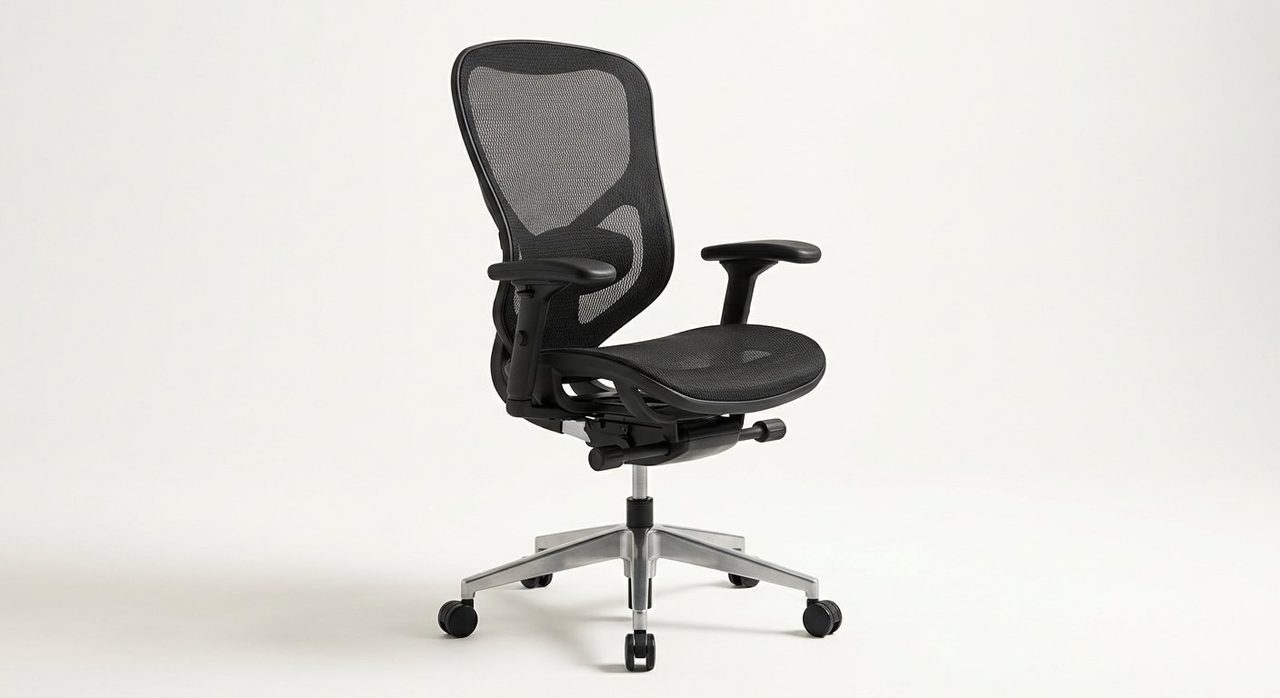
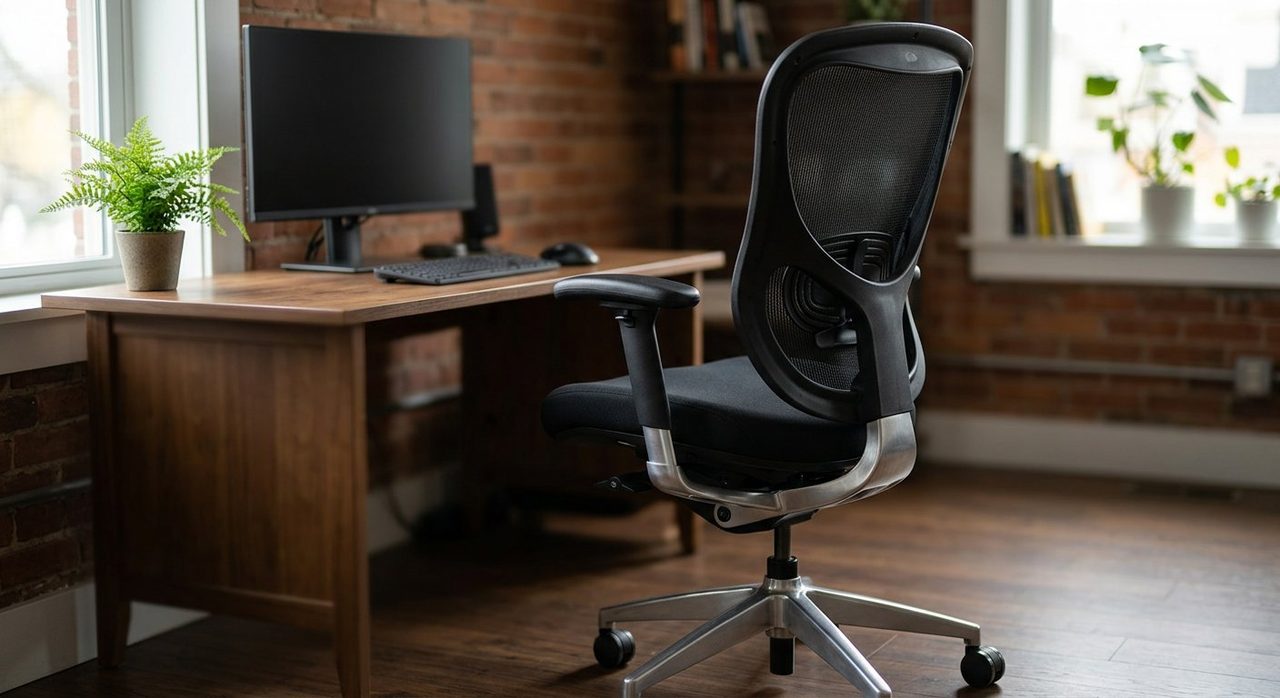
- A proper ergonomic chair — fixes #3 and #4. $150+. See our chair guide.
Final word
Posture problems rarely come from "having bad posture." They come from a setup that forces bad posture. Fix the setup — chair height, monitor height, keyboard position, regular movement — and good posture follows naturally. Each of the fixes above takes minutes and costs less than one physiotherapy visit.
Frequently asked questions
What's the worst posture mistake when working from home?
Looking down at a laptop on the desk. This single habit causes about 70% of work-related neck strain we see. Even the best chair can't compensate for a screen 12 inches below eye level.
How often should I check my posture?
Set a reminder every 30 minutes. Your body settles into bad positions slowly without noticing. A regular reset prevents the chronic pain that builds over weeks.
Does sitting cross-legged in a chair really matter?
Yes. Crossing your legs tilts your pelvis and creates asymmetric pressure on your spine. Over months it leads to one-sided lower back pain. Both feet flat on the floor (or a footrest).
Should I sit perfectly upright all day?
No — that's also bad. The ideal is to change positions every 20-30 minutes. Even 'good' postures cause problems when held statically for hours.
Will a posture corrector device help?
Marginally and temporarily. The fix is changing your workspace setup (chair, screen height, keyboard position) so the right posture is the easiest one. Posture devices treat symptoms, not causes.
Spotted a mistake or want to suggest a product we should test? Get in touch — we read every message.