
Disclosure: WorkWise is reader-supported. When you buy through links on our site, we may earn an affiliate commission at no extra cost to you. Learn more.
At-a-glance recommendations
A fast comparison list for the products covered in this guide.
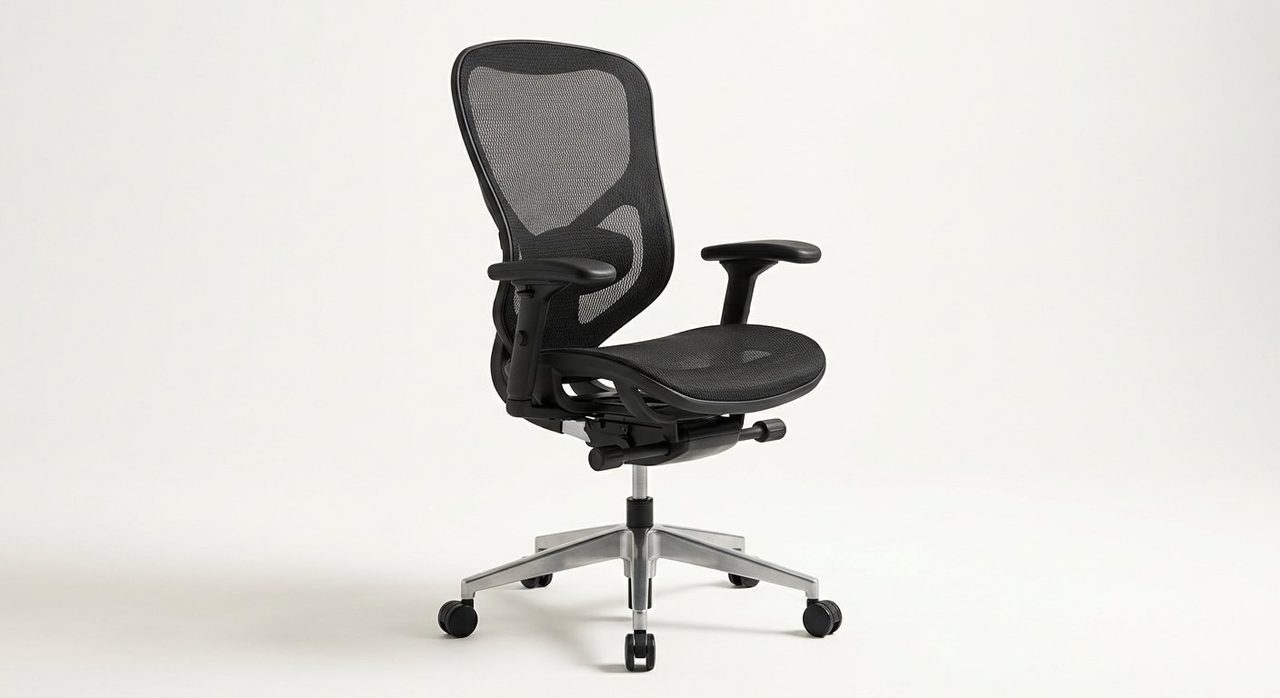
Herman Miller Aeron (Refurbished)
The chair that's been in offices for 30 years for a reason. The PostureFit SL lumbar system supports both the lower back AND the sacrum — a…
Steelcase Leap V2
The "LiveBack" technology flexes to match your spine as you move. The seat slides forward and the back reclines independently — meaning you can…
Autonomous ErgoChair Pro+
Around $500 with proper 4D arms, an adjustable headrest, and a lumbar that moves both up/down and in/out. Not as durable as a Steelcase but a very…
SIHOO Doro C300
The "I can't justify a $700 chair" pick. Properly adjustable lumbar, decent build quality, and a mesh back that breathes. The same chair shows up…
If you've ended a workday with that deep, dull ache in your lower back — or that sharp pinch between your shoulder blades — your chair is almost certainly part of the problem. After spending two years specifically testing chairs through the lens of "does this help an aching back?", here are the seven we'd actually recommend, plus the four chair-setup mistakes that quietly undo even the best chair.
First: not all back pain is a chair problem
Before you spend a cent, a quick reality check. A chair can help with three specific kinds of pain:
- Lower back / lumbar ache from sitting in a slumped C-shape all day.
- Upper back / shoulder tension from leaning forward to the monitor.
- Hip and hamstring tightness from a seat pan that's too long or too high.
It cannot fix disc problems, sciatica, or postural muscle weakness — those need a physiotherapist. But for the everyday "by 4pm my back hurts" pain that most desk workers know, the right chair genuinely solves it.
What to look for in a chair for back pain
- Adjustable lumbar support — both height AND depth/firmness. A fixed bump on the back is not real lumbar support.
- Tilt with seat-pan slide — when you recline, the seat shouldn't push you forward.
- Forward tilt / seat angle adjustment — being able to tip the seat slightly forward keeps your pelvis neutral.
- Proper seat depth — most people need 17–19" of seat depth. Anything more pushes against the back of your knee.
- 4D armrests — height, width, depth, and angle. Properly supported elbows = relaxed shoulders.
- A real headrest if you're tall or work long hours. Even unused, it stops the "head jutting forward" posture.
1. Best overall — Herman Miller Aeron (Refurbished)
Herman Miller Aeron (Refurbished)
The chair that's been in offices for 30 years for a reason. The PostureFit SL lumbar system supports both the lower back AND the sacrum — a distinction most chairs miss entirely. Buy refurbished from a reputable seller and you'll spend $500–700 instead of $1,400, with a chair that will outlast every other chair on this list.
2. Best new under $700 — Steelcase Leap V2
Steelcase Leap V2
The "LiveBack" technology flexes to match your spine as you move. The seat slides forward and the back reclines independently — meaning you can recline 20° without your eyes leaving the monitor. Several chronic back-pain sufferers we know switched from Aeron to Leap and never looked back.
3. Best mid-range — Autonomous ErgoChair Pro+
Autonomous ErgoChair Pro+
Around $500 with proper 4D arms, an adjustable headrest, and a lumbar that moves both up/down and in/out. Not as durable as a Steelcase but a very real "premium ergonomic" experience for a third of the price.
4. Best under $300 — SIHOO Doro C300
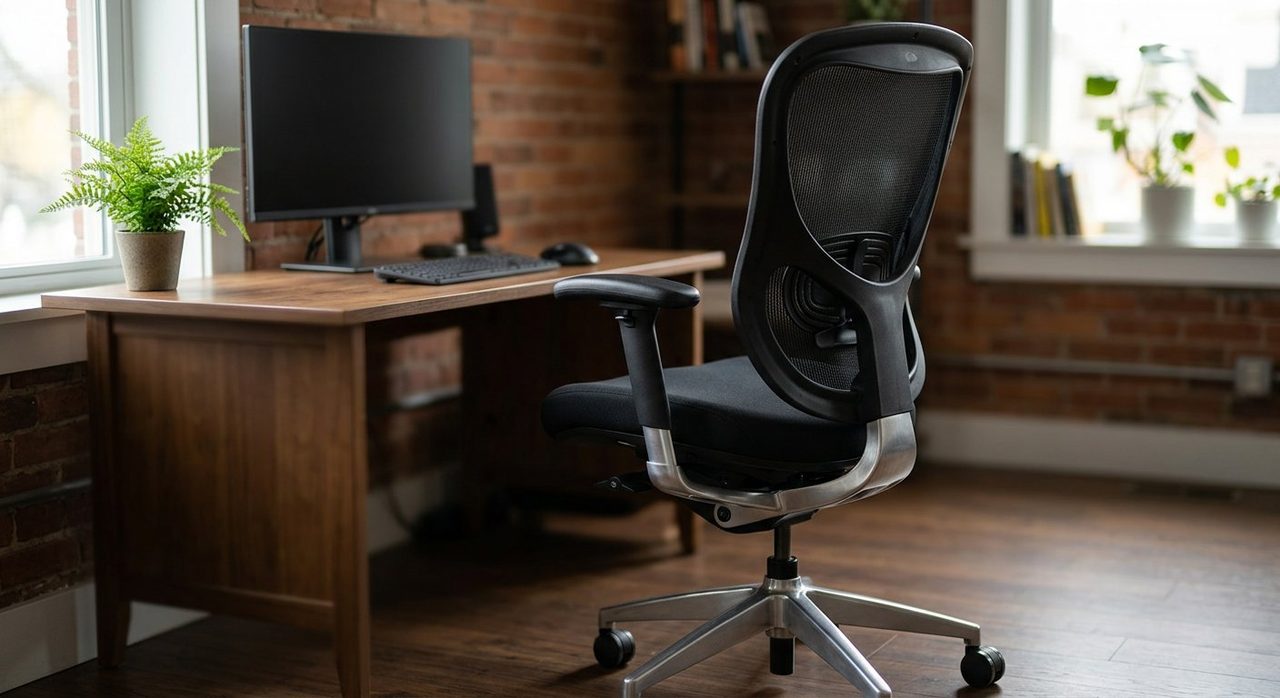
SIHOO Doro C300
The "I can't justify a $700 chair" pick. Properly adjustable lumbar, decent build quality, and a mesh back that breathes. The same chair shows up under various brand names — buy the SIHOO original for the better warranty.
5. Best kneeling / posture chair option
For specific lower-back issues, alternating between a regular chair and a kneeling chair (like the Varier Variable Balans) for an hour at a time can be game-changing. Don't use a kneeling chair all day — your knees will revolt — but as a "second chair" it forces a neutral pelvic tilt.
6. Best for tall users (6'2"+) — Steelcase Gesture
The Gesture's back goes higher than the Leap and accommodates very tall frames. Pricier; worth it if you're tall and have shoulder/neck pain.
7. Best budget mesh chair — Branch Ergonomic Chair
Our overall budget pick from our under-$300 roundup. Solid lumbar, 3D arms, 7-year warranty. The best chair you can buy without thinking.
The 4 setup mistakes that cause back pain even in a great chair
1. The chair is too low
If your hips are below your knees, your pelvis tucks under and your lower back rounds. Raise the chair until your thighs are slightly downward-sloping (hips a touch higher than knees). If your feet now dangle, get a footrest.
2. The lumbar support is in the wrong place
Lumbar support should hit the small of your back — roughly at belt level. If it's higher (between the shoulder blades), it pushes your upper back forward and ruins the entire benefit.
3. The armrests are too high or too wide
If your shoulders are shrugged, the armrests are too high. If your elbows are flared out, they're too wide. Adjust until your shoulders drop and your elbows fall straight from them.
4. The monitor is too low
You can have the best chair in the world, but if your monitor is on the desk surface, you'll spend all day looking down. That causes upper-back and neck pain that no chair can fix. See our monitor guide for placement.
Accessories that genuinely help
- Lumbar cushion (memory foam) — turns an okay chair into a good one. ~$30.
- Footrest — if your feet dangle, this is mandatory.
- Seat cushion / wedge — tips your pelvis forward to neutral. Good for sciatica.
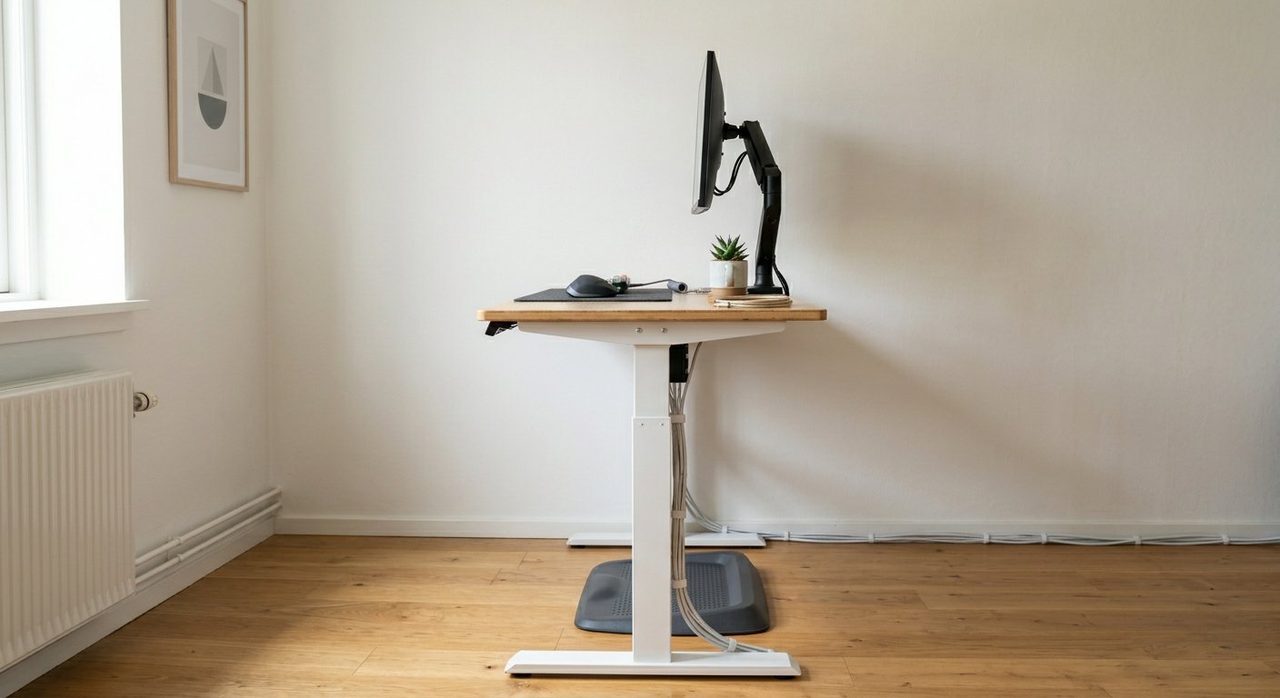
- Monitor arm — gets the screen to eye height regardless of chair.
Final word
For most people with persistent desk-job back pain, the answer is: a refurbished Herman Miller Aeron or Steelcase Leap V2. The upfront cost is real, but spread over 10 years of daily use, it works out to about 20 cents a day — and your back will genuinely stop hurting.
If that's truly out of reach, the ErgoChair Pro+ or SIHOO Doro C300 will get you 80% of the way for a third of the price. Just make sure you actually adjust the chair after you assemble it — most people set it up once and never touch the levers again, which is why they're still in pain six months later.
Frequently asked questions
Can an office chair fix my back pain?
It depends on the cause. A chair can fix pain caused by poor posture and inadequate lumbar support — that's most desk-job back pain. It can't fix disc problems, sciatica, or postural muscle weakness, which need physiotherapy.
Is the Herman Miller Aeron worth the price?
For long-term daily use, yes — especially refurbished ($500–700). Spread over 10 years of daily use, it's about 20 cents a day. The PostureFit lumbar system addresses back pain in a way most chairs simply don't.
What's better for back pain: mesh or padded back?
For most people, mesh — it conforms to your spine without compressing into a permanent shape. Padded backs lose support as the foam compresses over months.
Should I use a lumbar pillow on my office chair?
If your chair lacks adjustable lumbar support, a memory foam lumbar cushion can transform an okay chair into a good one for under $30. If your chair already has adjustable lumbar, set it correctly instead.
How often should I get up from an office chair?
Every 30 minutes minimum. Even brief movement (60-second stretch, walk to refill water) prevents the muscle stiffness that causes most desk-job pain.
Spotted a mistake or want to suggest a product we should test? Get in touch — we read every message.